A focused workspace
Keep Hellotracks open as its own app, separate from browser tabs, bookmarks, and daily web clutter.
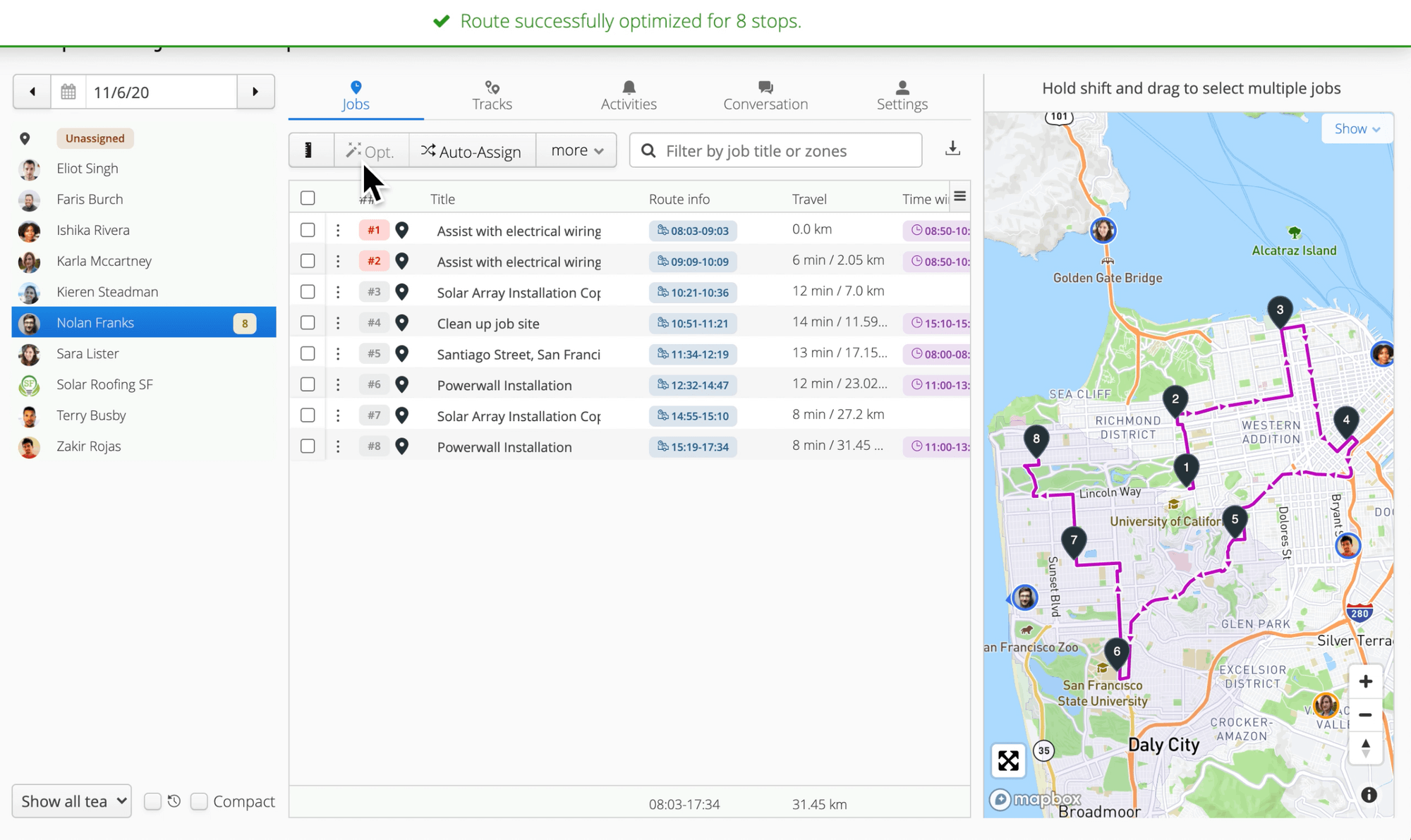
Download the native Hellotracks desktop app for macOS or Windows. It gives dispatchers and admins a focused workspace for live tracking, dispatching, job planning, and daily operations without browser distractions.
Why desktop
Keep Hellotracks open as its own app, separate from browser tabs, bookmarks, and daily web clutter.
Work with live location, job schedules, route planning, and operational updates from a stable desktop surface.
Use Hellotracks comfortably across desktop, multi-window, and multi-monitor workflows.
How it fits
Dispatchers and managers can keep live maps, jobs, and team activity visible throughout the day.
Create jobs, review routes, and react to changes from a desktop environment designed for focused work.
Field users continue using the iOS or Android app for live location, job updates, notes, photos, and completion details.
Download
Choose the installer for your computer. The desktop app works with your existing Hellotracks account.
